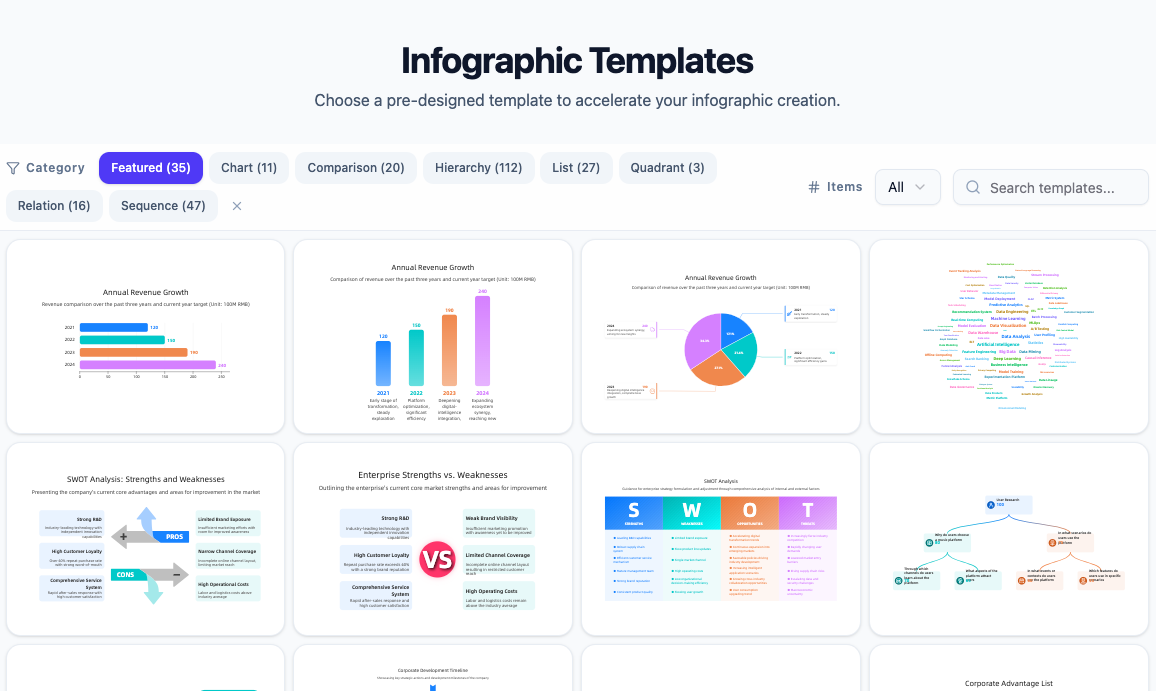
Turn your notes and ideas into beautiful charts and diagrams instantly. Just type a prompt and watch the magic happen.
Why start from scratch? Explore our supported infographic types to find the perfect match for your data. Just pick a category, see how it works, and let our AI handle the design.
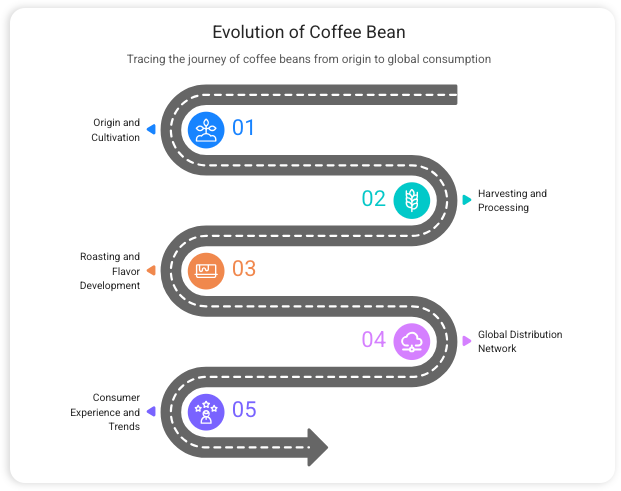
Perfect for “How-to” guides or showing how a small project grows into a big success.
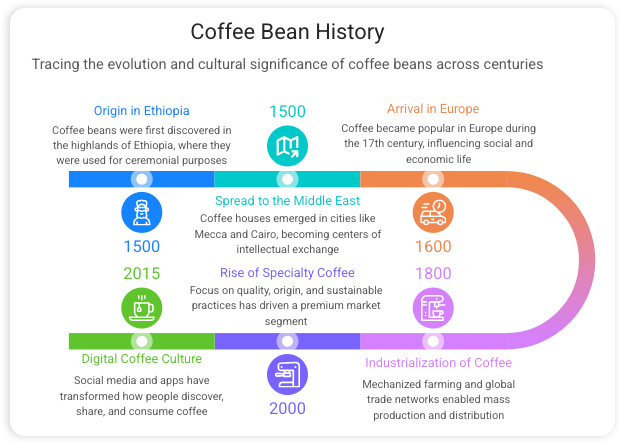
Use this to map out your goals for the year or show the journey of a product from start to finish.
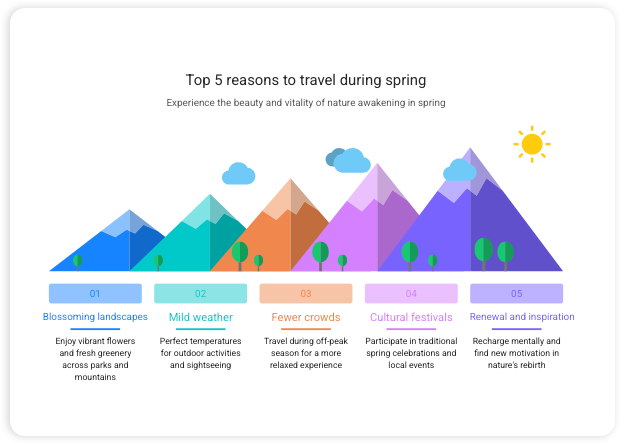
Great for quick checklists, “Top 5” tips, or organizing different features of your service.
Turn boring numbers and percentages into easy-to-read charts that tell a story.
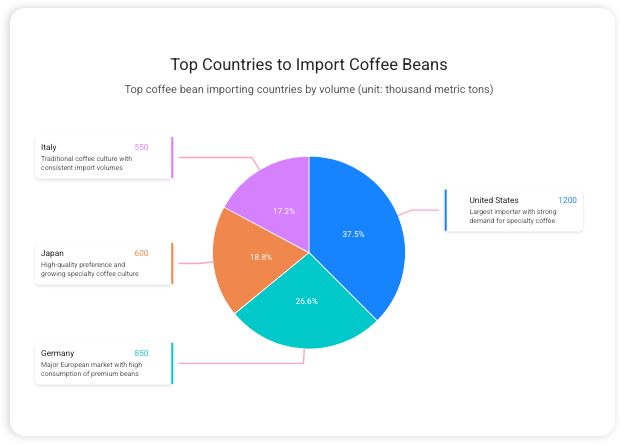
Best for showing how a team is organized or for brainstorming and connecting different ideas.
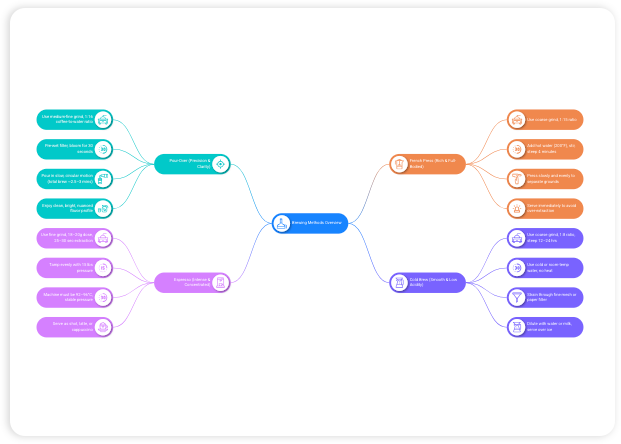
Use this to show how a customer goes from seeing an ad to making a purchase.
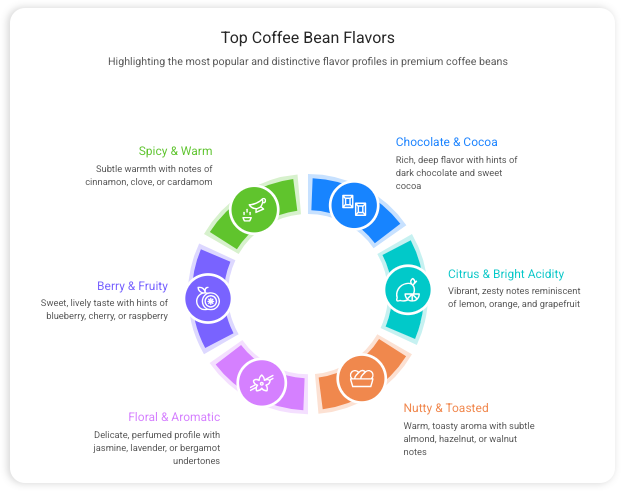
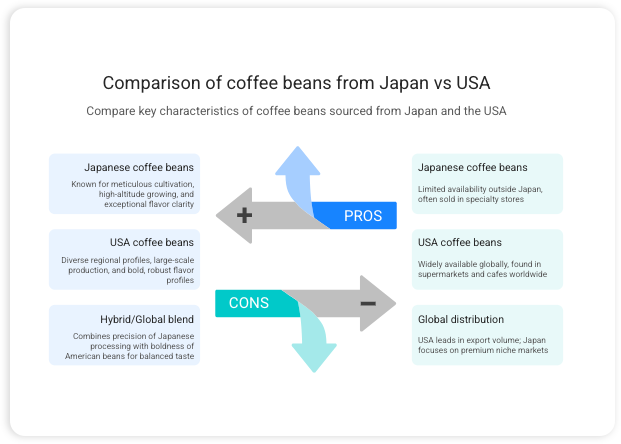
Perfect for a “This vs. That” chart or showing why your plan is better than the alternative.
Ideal for showing priorities, like the most important tasks at the bottom and the final goal at the top.
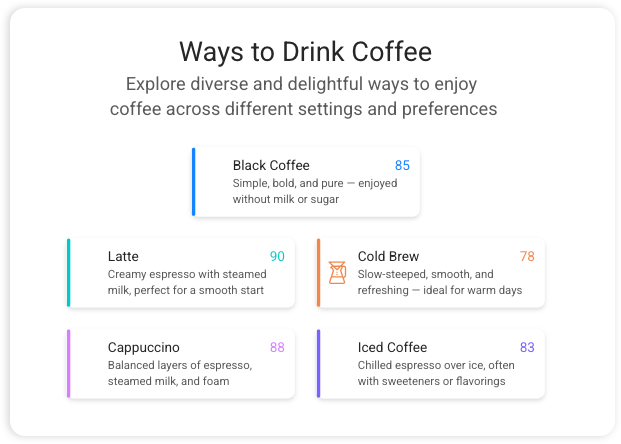
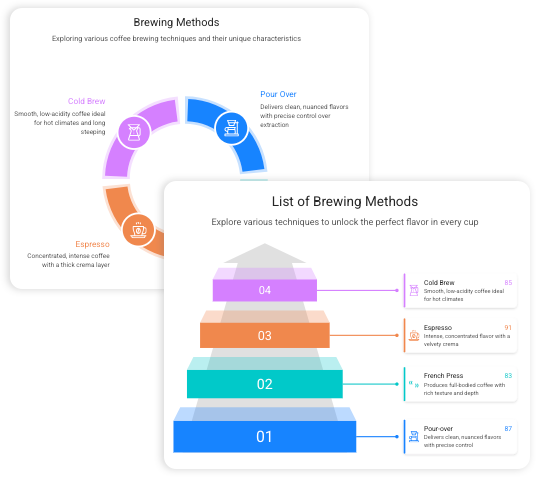
Most tools lock you into a rigid layout, forcing you to fit your ideas into a fixed number of spots. Our app makes templates flexible, letting you add or remove sections instantly without breaking the design. You get the perfect look for your data without the frustration of starting over.
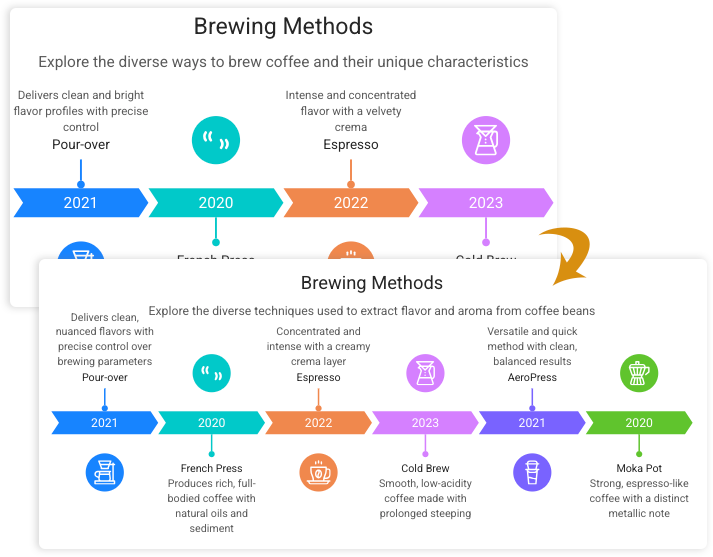
Adding more content shouldn’t mean starting over. Whether you’re turning a 4-step process into a 6-step timeline, our app automatically shifts and resizes every element to fit perfectly. The layout handles the spacing and alignment for you, so your design stays polished and professional no matter how much you add.
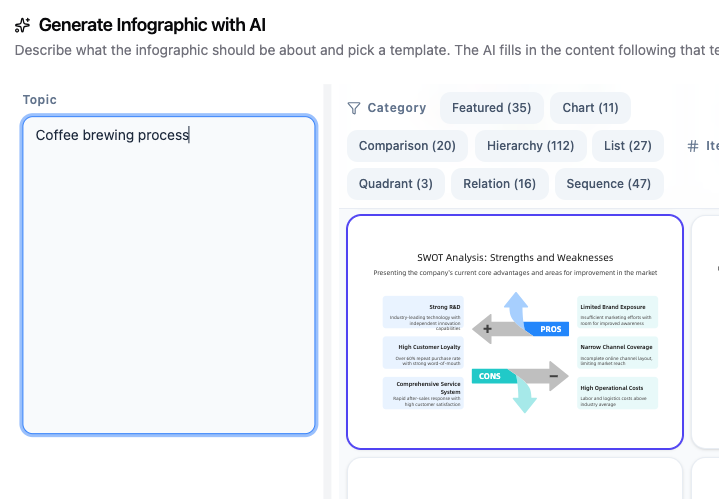
Stop building every graphic from scratch. Instead of typing out every label and finding every icon manually, you can simply give our AI a prompt to generate a nearly finished infographic in seconds. It’s perfect for when you’re short on time or even when you’re stuck on what to say—the AI suggests the content for you, leaving you with just the quick final touches.
CONTENT
Stop staring at a blank screen and let AI content creation do the heavy lifting for you.
The AI finds the facts and stats for your specific topic automatically.
It organizes your thoughts into a logical flow that makes sense to readers.
REAL-TIME PREVIEW
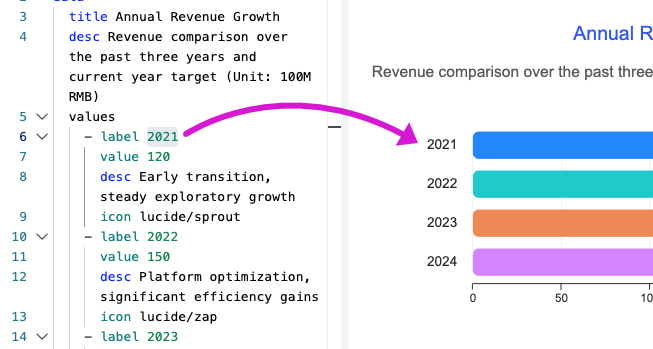
Enjoy immediate visual feedback with every keystroke. Make changes to text, values, icons, or structure on the left and watch your graphic render dynamically in real time.
No need to click refresh or build—your changes render immediately as you type
Quickly compare layout variations and fine-tune data points without breaking your focus.
DESIGN
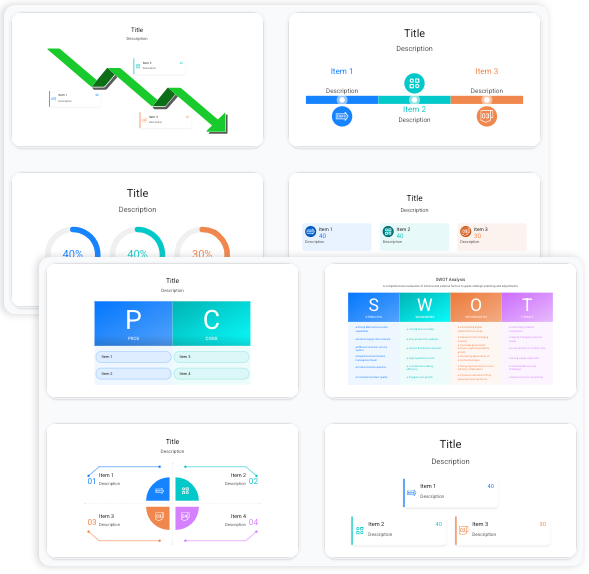
Choose from a huge gallery of infographic templates designed by pros so you never start from zero.
Every template is built to make your visual storytelling look polished and clean.
A scrolling grid showing various colorful templates (timelines, charts, and lists) with a mouse hovering over a "Select" button.
CUSTOMIZATION
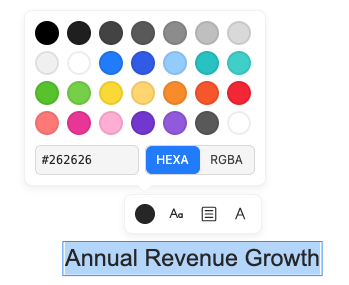
Take full control of your design details visually. Simply double-click any text element on the canvas to open a floating toolbar and adjust your styling instantly.
Double-click titles, labels, or body text to bring up instant formatting options without leaving the view.
Easily tweak font sizes, font faces, text alignment, and custom color swatches on the fly.
THEME
Pick between a crisp, professional layout or a friendly, hand-drawn style to match the “vibe” of your information.
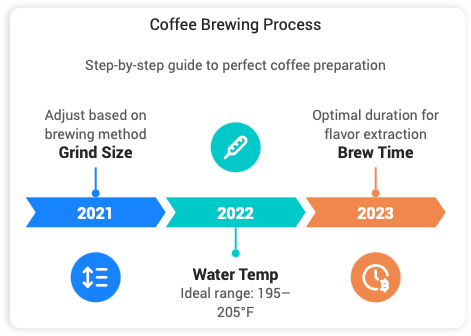
Select our clean, structured themes for business reports or formal presentations where every line and alignment needs to be perfect.
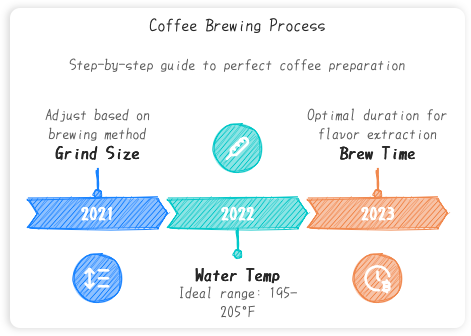
Give your ideas a personal touch with “sketched” shapes and organic lines. It is the best way to make complex topics feel friendly and easy to follow.
OUTPUT
Get your work out into the world using professional SVG export or instant web links.
Your images stay sharp and clear whether they are on a phone or a giant poster.
Send a unique URL to clients or coworkers so they can view your marketing visuals instantly.
You can shrink it down to fit on a business card or blow it up to fit on a giant billboard, and the lines will stay perfectly crisp and clear.
You don’t need to be an artist to look like one.
Turn boring numbers into easy-to-read charts.
Send a link or download your file instantly.
To keep the design perfect, you just tweak your prompt and hit generate again! It’s the fastest way to get a new look.
Anything! From "How to brew coffee" to "Global tech trends," the AI knows how to handle almost any topic.
Nope. Everything happens right in your browser, making it the easiest design software you’ll ever use.
Join thousands of people making data visualization easy and fun.