
Visual Paradigm Desktop | Visual Paradigm Online
ALL YOUR IDEAS IN ONE PLACE

Build Your Better Knowledge Base with OpenDocs

Stop losing important notes. OpenDocs combines easy writing with professional drawing tools so you can organize your projects and share them with one link.

Opendocs

Why Visual Paradigm

Diagram Editor

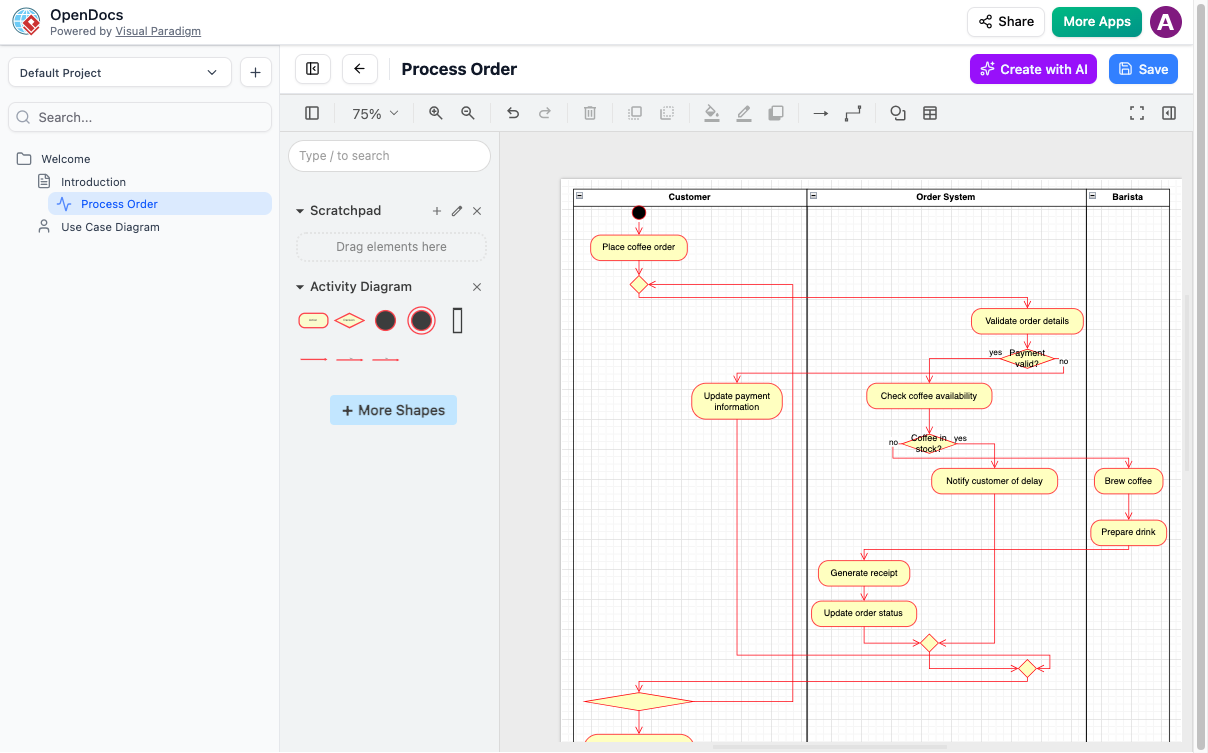
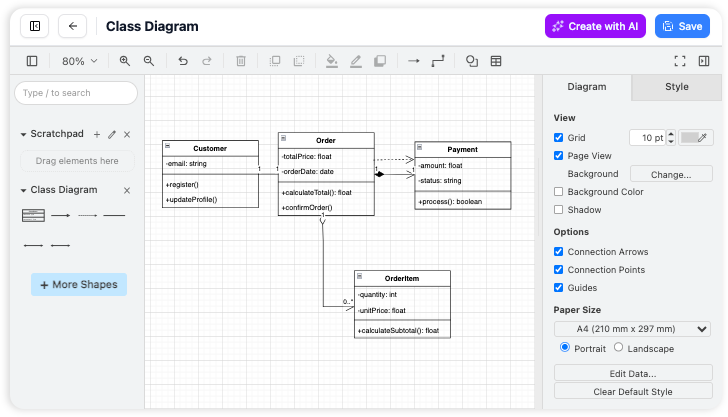
We’ve built a better way. We put a powerful drawing tool right inside your editor so you can create visuals and write your text in the exact same place. It’s one single home for all your work, keeping your focus sharp and your project organized without ever needing to switch tabs.

AI-Powered Diagram Generation

Forget spending an hour dragging boxes and alignment lines. With our AI-Powered Diagram Generator, you just type a simple sentence—like “Create a flowchart for our refund process”—and the tool builds the entire diagram for you instantly.

Explore the world of OpenDocs

OpenDocs is the main place where Visual Paradigm brings AI visual modeling to life. To see how all our tools work together, check out the full guide here:

ORGANIZE

Keep Your Files in Order

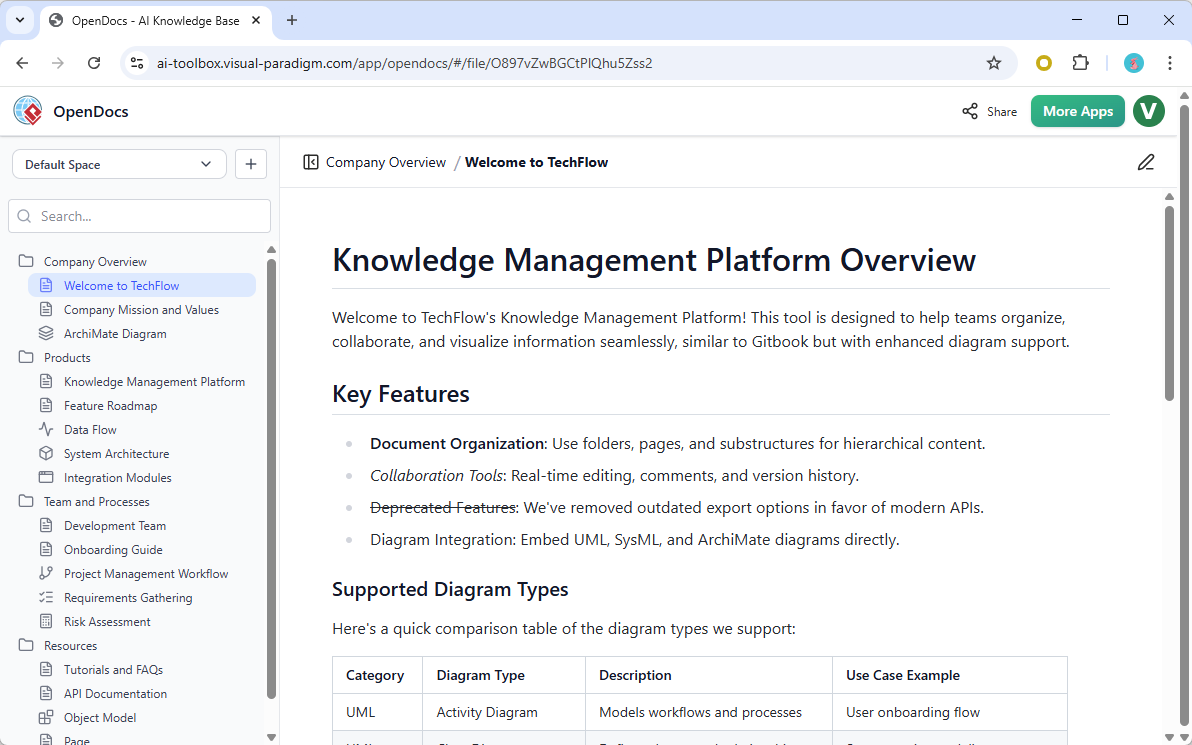
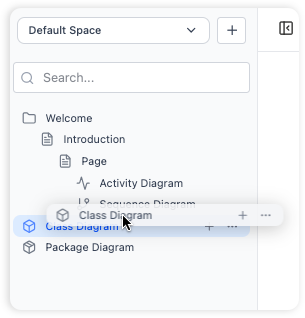
OpenDocs acts as your primary information organizer, letting you build a tree-like folder system that makes sense to you. It’s perfect for heavy-duty document management without the headache.

  • Folder Trees

    Create folders inside folders to keep projects separate.

  • Drag and Drop

    Move your files around just like you do on your computer desktop.
WRITE

Simple Writing and Live Previews

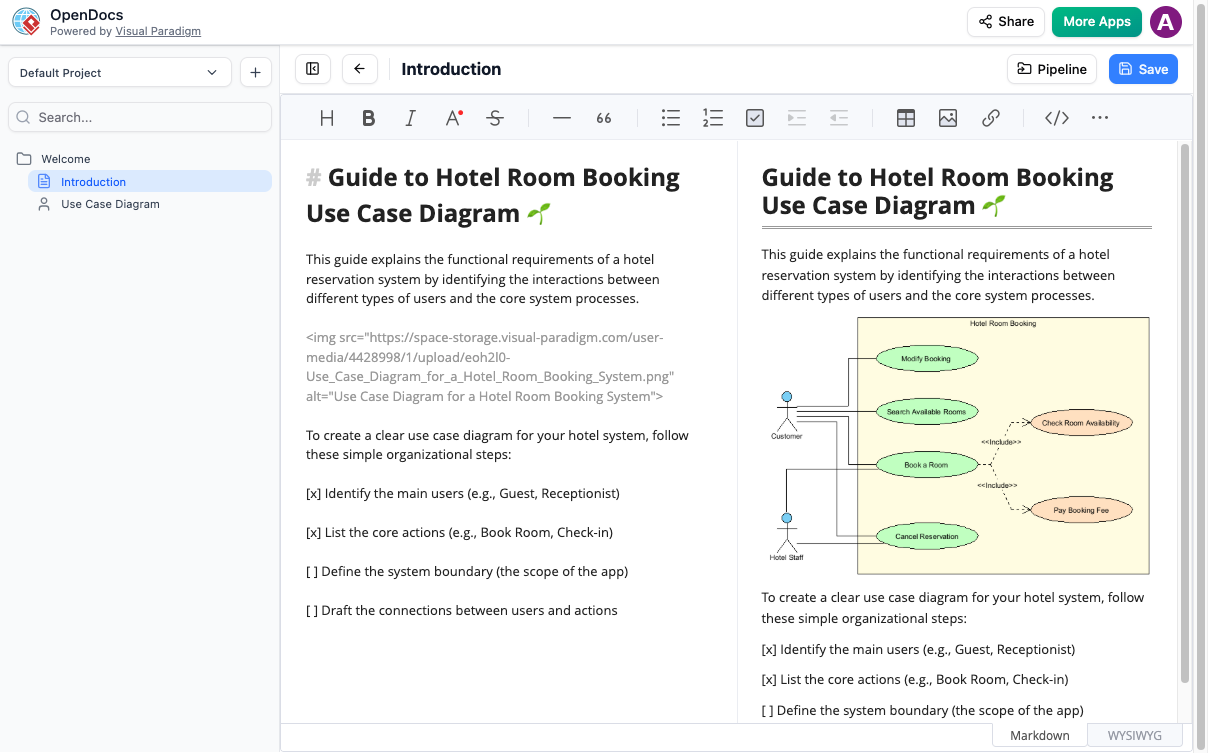
Our built-in Markdown editor lets you format text fast without ever touching your mouse. It is the ultimate note-taking app for people who want to focus on their words.

  • Live View

    See exactly what your finished page looks like while you type it.

  • Code & Tables

    Easily add technical details, lists, and code blocks for project documentation.

Opendocs Built In Diagram Editor

VISUALIZE

Professional Charts Made Simple

Go beyond just text with a built-in diagram tool. Create visual documentation that helps people understand complex ideas at a glance.

  • Shape Library

    Choose from hundreds of shapes to build flowcharts or mind maps.

  • Built-in Editor

    You don't need separate software; create your drawings right inside your page.

Key Features

Write and Draw

Mix text and charts in one spot.

Find Things Fast

Keep files in easy-to-use folders.

Share with Ease

Send your work via a secure link.

Almost anything! You can make flowcharts, mind maps, and technical system maps using our visual tools.

OpenDocs is designed to be lived in online. Currently, we focus on digital content sharing rather than printing to PDF or Word.

Nope! It’s all on the web. Just log in through your browser and start writing.

Ready to build your
OpenDocs Knowledge Base?

Join thousands of users who use OpenDocs to turn messy notes into organized projects.

Loading

Signing-in 3 seconds...

Signing-up 3 seconds...