
How to Add a Video
While you can link to any video on the web, Annotator is specially designed to “embed” videos from YouTube, Vimeo, and Flipgrid. This means the video player will show up right inside your note.
-
Copy the Link: Go to the video you want to share and copy the web address (URL) from your browser’s address bar.
-
Paste and Save: Paste that link directly into the Annotator text box and click the Post button.
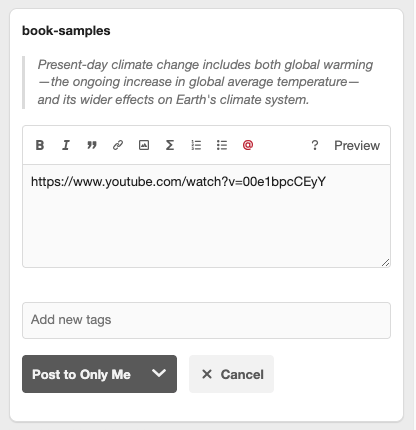
Once you save, the link will automatically transform into a video player that you can click and watch instantly.