 Visual Paradigm Desktop |
  Visual Paradigm Online
AI Image Translator Demo
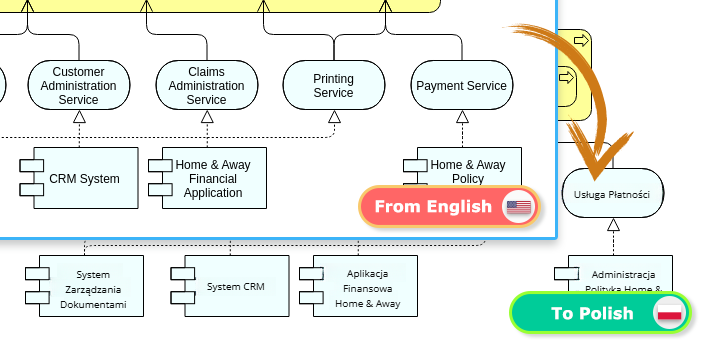
Looking for a fast and accurate online image translator?
Our AI-powered image translation tool makes it easy to translate text from images while preserving the original design. Whether you need to translate diagrams, labels, or documents, our tool ensures high-quality results with intuitive editing options.
In this guide, we’ll walk you through translating an ArchiMate diagram from English to Polish, demonstrating how to use the tool effectively for seamless AI image translation.
Begin by dragging and dropping your image into the upload area of our AI image translator. Alternatively, you can click the Upload button to select your file manually. Once uploaded, choose the target language – in this case, Polish – and click Translate. The AI will quickly recognize and translate the text while keeping the formatting intact.
After translation, you may notice some text blocks appear in different font sizes. No worries! Simply select the text blocks, adjust the font size in the settings pane, and make everything uniform for a professional look.
Due to translation length differences, some text may not be perfectly centered within the ArchiMate shapes. To fix this, click and drag the text blocks to the correct position, ensuring they align properly within the shapes.
Your AI-translated ArchiMate diagram is now flawless and ready to use. Click the Export button at the top right to download your final image.
Experience the ease of translating text in images with our cutting-edge AI technology. Start using this Beta feature now and see how it transforms the way you communicate across languages.
