In simple terms, a schema is a blueprint or a plan for your data. It defines the structure of your table by specifying the name and type of each field (column). For example, a simple schema for a to-do list might be title:string, description:string, priority:[low|medium|high].
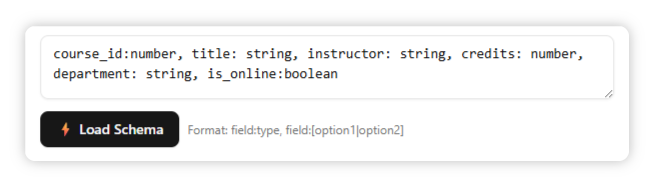
Directly type your schema string into the input field.
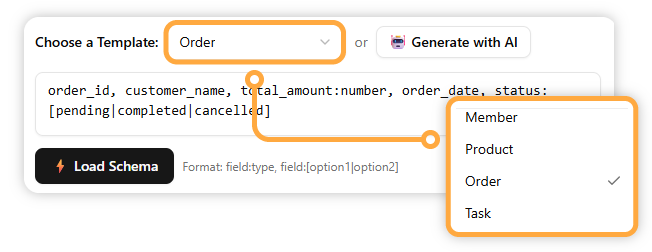
Choose from a list of pre-built templates for common data structures like Member, Product, or Event.
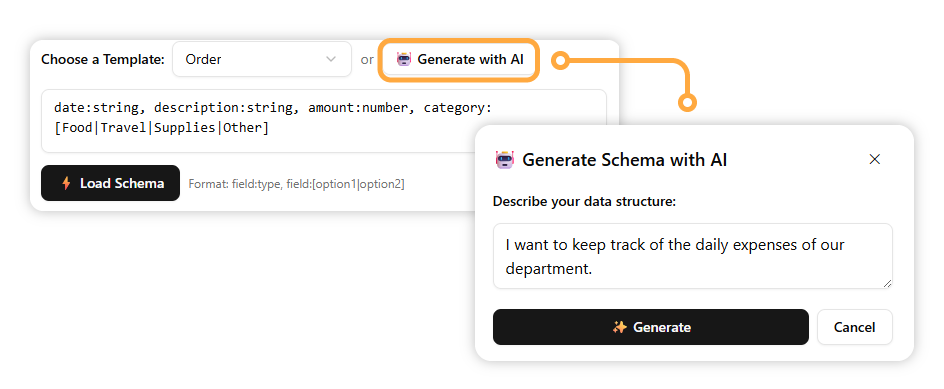
Describe the data structure you want, and the AI will generate a schema for you.
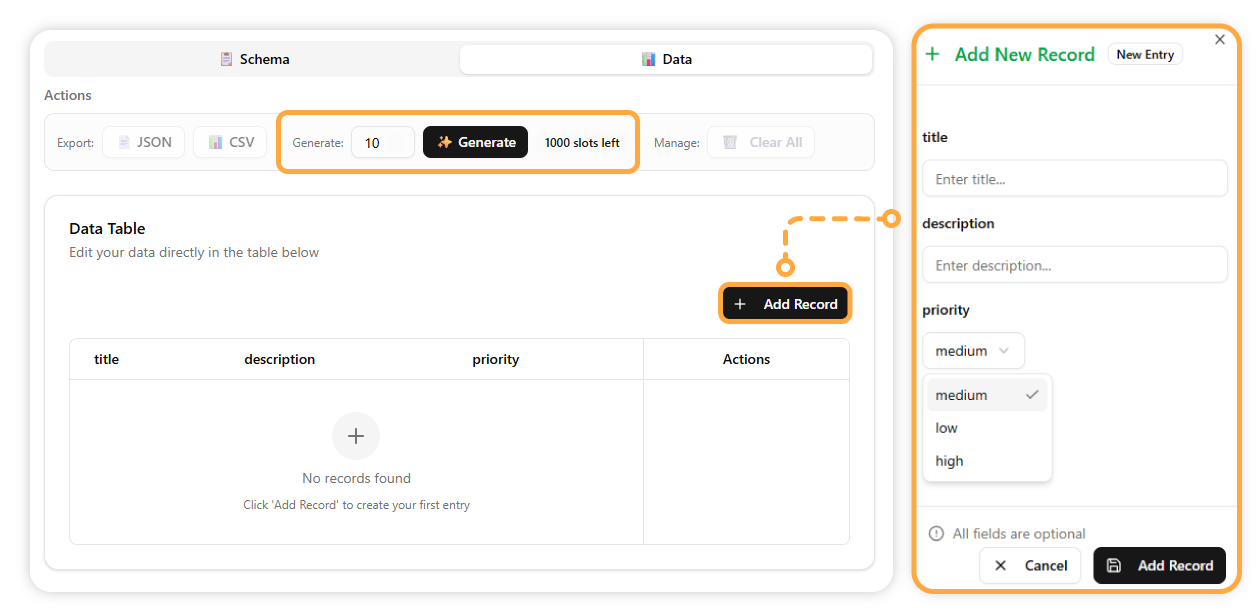
You can now start adding records manually or use the AI to generate sample data for you. The editing pane will automatically adjust to your schema, providing helpful inputs like dropdowns or date pickers
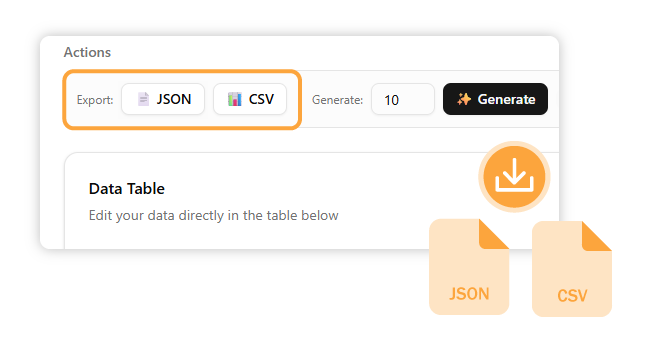
When your table is complete, you can save your data in either a JSON or CSV file, just as you can when starting from existing JSON.