 Visual Paradigm Desktop |
  Visual Paradigm Online
Transform your project idea into a clear, structured blueprint. Our Free AI guides you through every stage, from problem analysis to final diagrams.
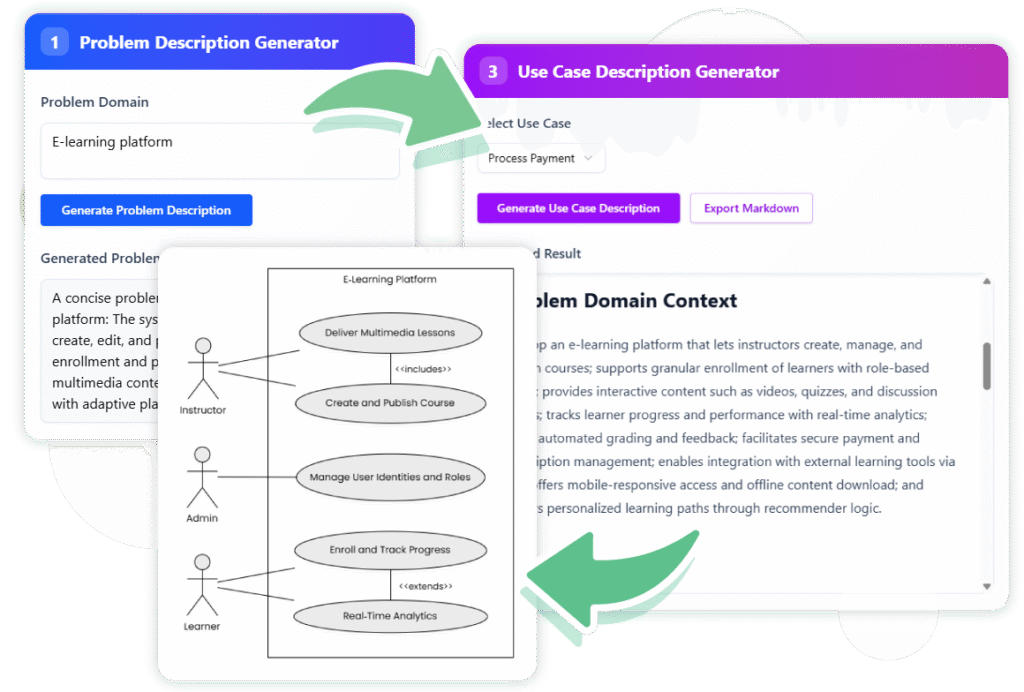
Streamline your workflow with AI that helps you generate clear project descriptions, identify critical use cases, and produce professional documentation. Our free tool ensures your project starts with a solid foundation, reducing rework and accelerating your time to market.





Go from a simple idea to a detailed, editable problem description in seconds. Our AI’s analysis helps you build a solid, unambiguous foundation for your project, saving hours of manual drafting.


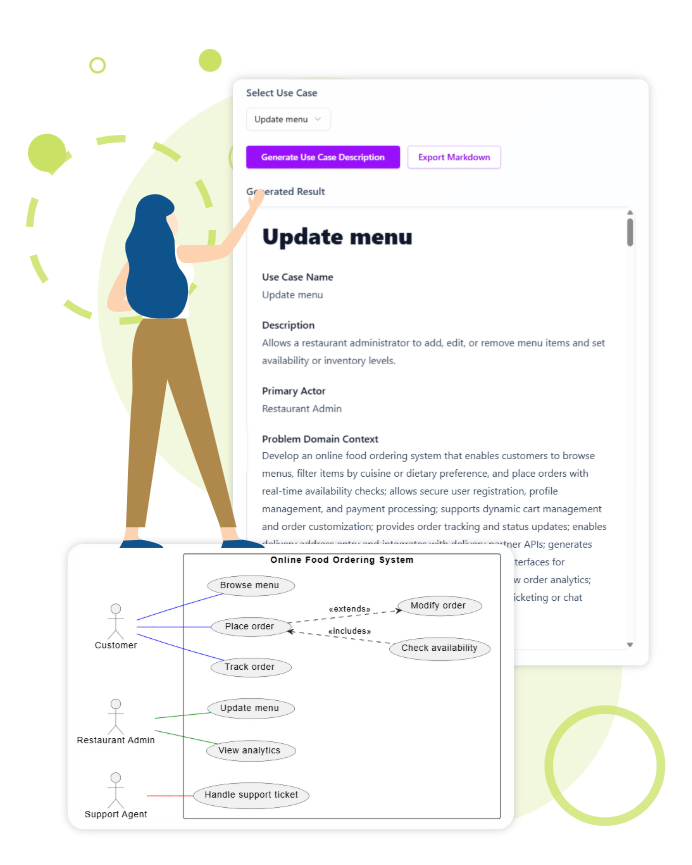
Our AI provide highly accurate and relevant descriptions. However, we always recommend reviewing and refining the output to perfectly match your project’s specific needs.
Yes, you can export the generated use case descriptions in Markdown format, and use case diagrams as SVG images. This makes it easy to integrate with your existing documentation workflows.
While the core generation features are standalone, the ability to edit diagrams directly within Visual Paradigm Online offers enhanced flexibility and integration with our comprehensive suite of software engineering tools.
Generate your first detailed use case description in minutes and streamline your development process with the help of VP Online AI-powered tool.
