 Visual Paradigm Desktop |
  Visual Paradigm Online
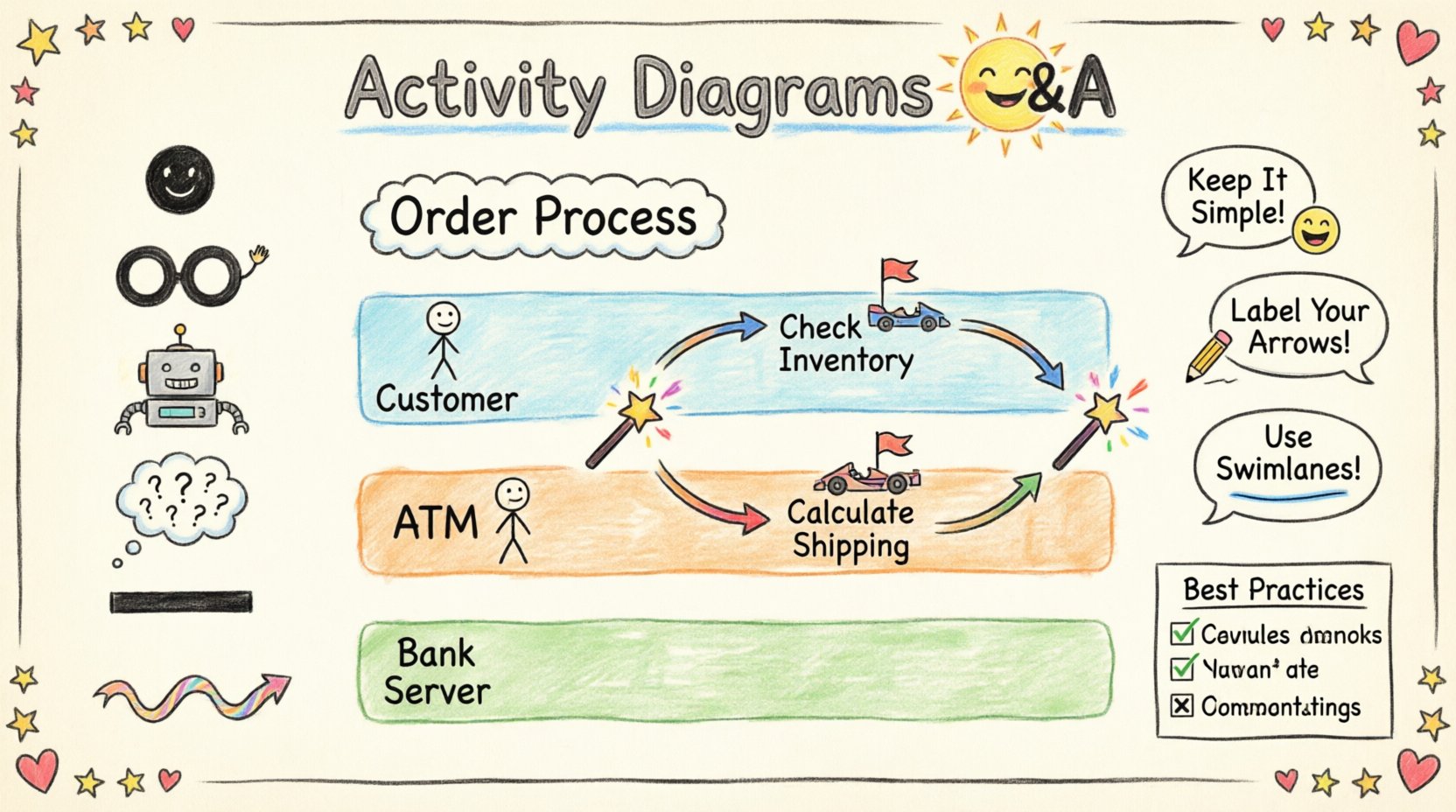
System design requires precision. When mapping out complex workflows, visual clarity becomes the backbone of successful implementation. Activity diagrams serve as a critical tool in this process, offering a dynamic view of the system’s behavior. They illustrate how actions flow from start to finish, highlighting decision points, parallel processes, and the overall logic of the application.
Many engineers and architects encounter challenges when integrating these diagrams into their documentation standards. This guide addresses the most common inquiries regarding their usage, structure, and integration within the broader system design landscape.
An activity diagram is a type of behavioral diagram in the Unified Modeling Language (UML). It describes the dynamic nature of a system by modeling the flow of control from activity to activity. Unlike static diagrams that show structure, this type focuses on behavior and process.
Think of it as a specialized flowchart that goes beyond simple linear progression. It captures the sequence of operations, the conditions under which actions occur, and how different parts of the system interact during execution.
While often associated with software engineering, these diagrams are equally effective in business process modeling. They bridge the gap between high-level requirements and low-level implementation details.
Understanding the building blocks is essential for creating accurate representations. Each element has a specific meaning within the notation standards.
| Element | Symbol | Purpose |
|---|---|---|
| Initial Node | ● (Filled Circle) | Starts the activity flow. |
| Final Node | ⊗ (Double Circle) | Ends the activity flow. |
| Activity | Rounded Rectangle | Represents a specific action or step. |
| Decision Node | Diamond | Branches the flow based on conditions. |
| Fork/Join | Thick Bar | Splits or merges concurrent flows. |
| Control Flow | Arrow | Indicates the order of execution. |
Below, we address the specific questions that frequently arise during the design phase. These answers provide clarity on implementation details and theoretical application.
While they share visual similarities, the distinction lies in complexity and semantics. Flowcharts are general-purpose tools used for logic representation in programming or business processes. Activity diagrams are specific to UML and designed for object-oriented system design.
Swimlanes, or partitions, divide the diagram into regions where specific activities are performed. This visual grouping clarifies responsibility.
Consider a banking transaction system. A swimlane could separate the actions of the Customer, the ATM, and the Bank Server. This separation prevents ambiguity regarding which entity triggers a specific action.
Concurrency is a critical feature of modern systems. You cannot model multi-threaded processes or parallel user interactions without addressing this.
In the notation, a Fork Node splits a single incoming control flow into multiple outgoing flows. These flows execute simultaneously. A Join Node waits for all incoming flows to complete before continuing the single outgoing flow.
For example, an order processing system might:
Yes, but with specific conventions. While primarily control-oriented, activity diagrams can include Object Nodes to represent data.
Both are dynamic, but they answer different questions.
| Activity Diagram | Sequence Diagram |
|---|---|
| Focuses on the flow of control within a single system or process. | Focuses on the interaction between objects over time. |
| Best for complex logic with loops and decisions. | Best for message passing and timing between components. |
| Shows parallelism clearly. | Shows synchronization points clearly. |
If you are designing a workflow where the order of operations matters more than the specific message exchange, choose the activity diagram. If the timing of interactions between microservices is the primary concern, the sequence diagram is preferable.
Robust systems must account for failure. In the diagram, this is modeled using decision nodes or specific exception flows.
It is vital to show where the process stops and where it recovers. A path that leads nowhere is a design flaw.
Yes, readability is paramount. If a diagram becomes too large to view on a single screen or page, it loses its value as a communication tool.
Use case diagrams define what the system does from a user perspective. Activity diagrams define how it does it internally.
You often start with a use case to identify the scope. Then, you expand the most complex use cases into activity diagrams to detail the logic. This ensures that every use case is backed by a clear procedural understanding.
To ensure these diagrams add value rather than clutter, adhere to established standards.
Even experienced designers make mistakes. Being aware of common errors helps maintain diagram quality.
An activity diagram rarely exists in isolation. It is part of a larger ecosystem of models.
By linking these models, you create a cohesive documentation set. A change in the class structure should trigger a review of the activity diagram to ensure data handling remains valid.
Creating effective activity diagrams requires practice and discipline. They are not just drawings; they are blueprints for logic. When executed correctly, they reduce ambiguity, facilitate communication between technical and non-technical stakeholders, and serve as a reference point during testing.
Remember that the goal is clarity. If a diagram confuses the reader, it has failed its purpose. Prioritize readability over exhaustive detail. Use the techniques of decomposition and modularity to keep the content manageable. By following these guidelines, you ensure that your system design documentation remains a living asset that supports the development lifecycle effectively.
Start with the high-level flow, then drill down into the specifics. Iterate as requirements change. This iterative approach ensures that the documentation stays aligned with the actual system behavior, providing long-term value to the engineering team.
